
A contact form tells you nothing, and tells them even less.
Name, email, “are you free on the 14th?” Then you check the diary, reply two days later, and find out on the phone that they hate the music you’re known for.
The enquiry is the first thing a client does with you. It’s a chance to show how you work before you’ve said a word.
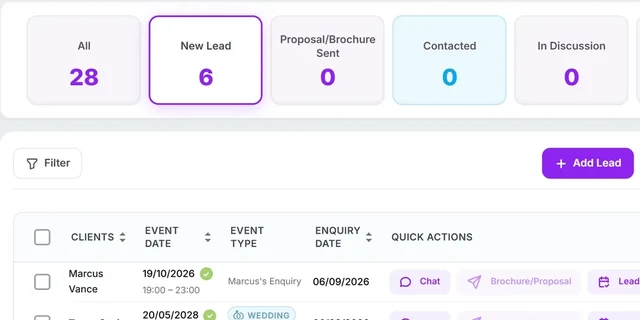
From your website to your leads page.
Put it where your clients are
Copy the embed code into your website, or share the direct link in your Instagram bio, on a QR code or in your email signature.
It only offers dates you can do
The form checks your bookings, your gigging hours and whether anything bookable is left that day. Rather take every enquiry? Switch the check off and you still see a tick or a warning by each date.
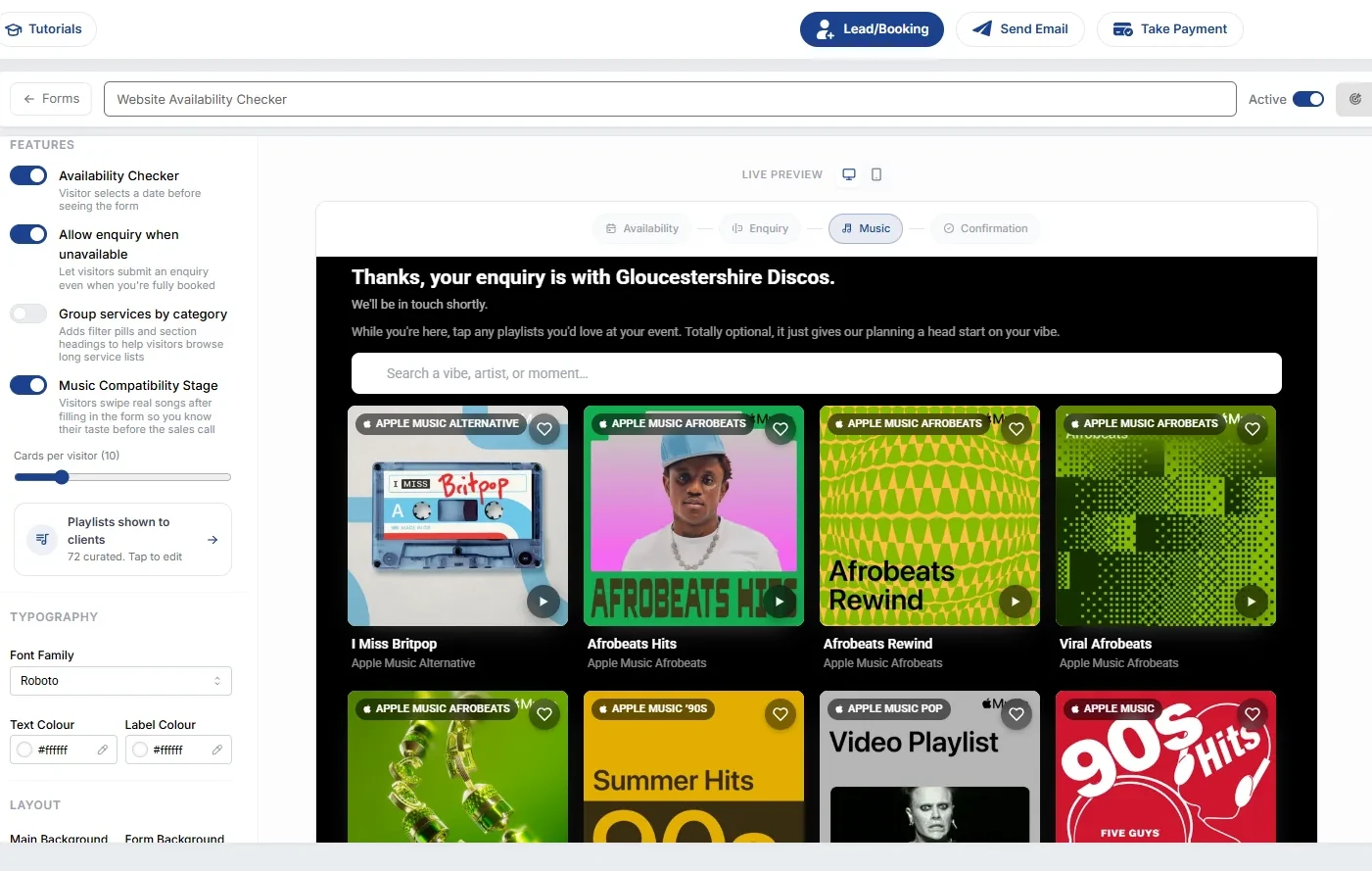
Then they swipe through songs
After the enquiry is sent, they can pick playlists and swipe a deck of songs: Must play, Like, Skip, Nope. It’s optional, and it can’t lose you the lead, because the lead’s already in.
More than a contact form.
Live availability check
Visitors are only offered dates you can actually do, from your real diary and your gigging hours.
The music stage
Real playlists, then a swipe deck of songs. Mix ready-made playlists like Wedding Floor Fillers with your own.
Their taste, on the lead
Open the lead and see the playlists they picked, the songs they swiped yes and no, and what to steer clear of.
Embed it or link it
It sizes itself to fit your website. The same form works as a link for social, QR codes and email.
Conversion tracking
If you run ads, the form reports conversions so you know what’s working.
It can start an automation
A form can trigger its own automation, so the welcome email and your brochure go out while you’re mid-set.
“From taking an enquiry to noting down the venue’s WiFi code, this system has it all.”
Thomas Westwood · verified Trustpilot reviewKnow their taste before the first call.
14 days free with every feature, no card. If it’s not for you, you walk. Nothing to cancel.
 Built with working DJs since 2024. Because nothing existed that fit how a DJ business actually runs.